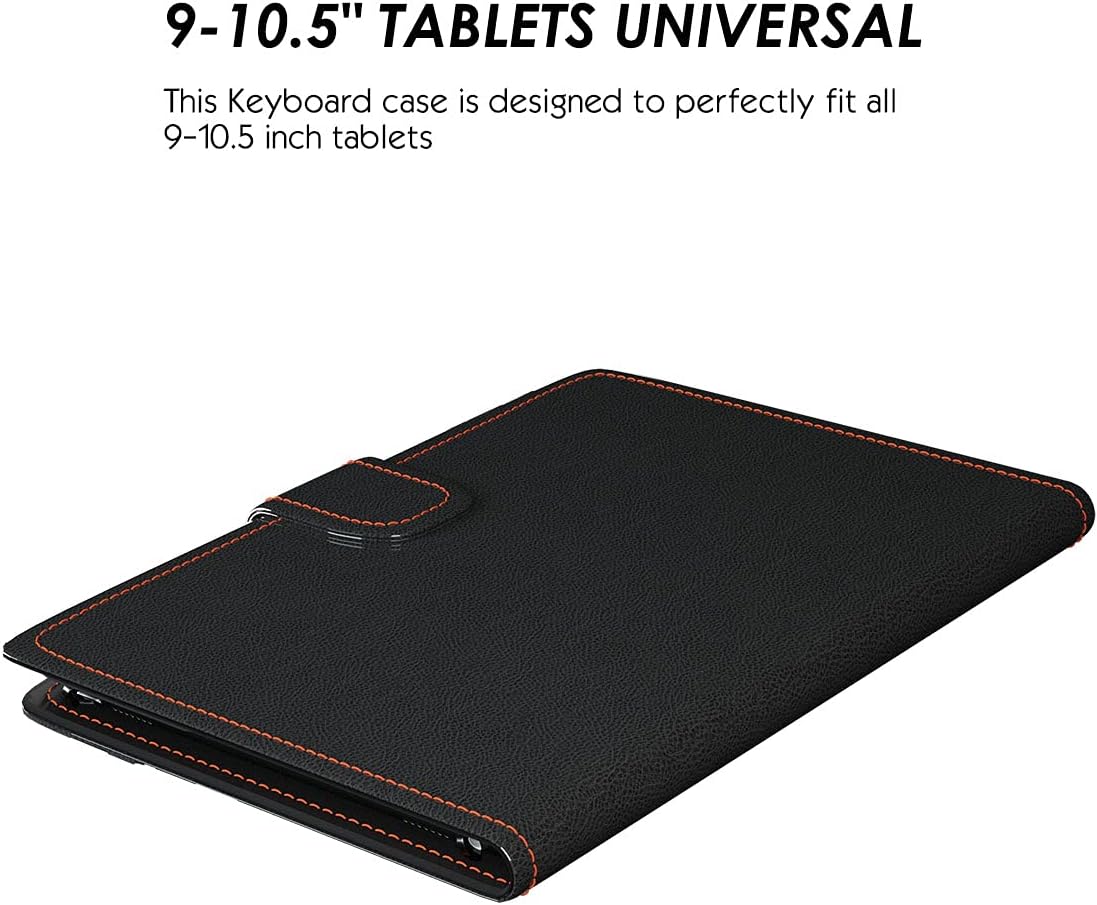
A keyboard case is exactly what it sounds like: a protective shell that wraps around your tablet and includes a physical keyboard — so you can type like you would on a laptop, without carrying a separate bag. The appeal is obvious if you’re doing anything more than watching video: answering emails, writing notes, filling out forms, or running a light document workflow from your couch or a job site. The complication is that Android tablets come in a wild range of sizes and thicknesses, and most keyboard cases are built for one specific model. The word “universal” on the box promises the case will fit tablets from different brands — Samsung, Lenovo, Amazon Fire HD — which sounds great until you realize “universal” is a marketing term, not an engineering guarantee. This guide breaks down what universal actually means in practice, which bracket sizes reliably cover which tablets, and where the tradeoffs show up so you can make a confident call before you buy.
| EDITOR'S PICK[Lenovo Folio Keyboard for Idea…](https://www.amazon.com/dp/B0GPP7YDY2?tag=greenflower20-20) | Mid-tierTouchPad Keyboard case for 9" | Budget pick[MoKo Universal Tablet Case with…](https://www.amazon.com/dp/B0FK5B47JV?tag=greenflower20-20) | |
|---|---|---|---|
| Keyboard Type | Pogo Pin | Bluetooth | Bluetooth |
| Touchpad | ✗ | ✓ | ✗ |
| Pen Holder | ✓ | — | ✓ |
| Backlit Keys | — | ✓ | — |
| Case Material | PU Leather | — | — |
| Price | $59.99 | $39.96 | $27.19 |
| See on Amazon → | See on Amazon → | See on Amazon → |
What “Universal” Actually Means (And Where It Breaks Down)
Universal keyboard cases typically work one of two ways: a folio clamp that grips the tablet’s edges via an adjustable groove or elastic band, or a Bluetooth keyboard paired to a case with a universal slot that holds the screen at a fixed angle. Neither approach is as clean as a purpose-built case with a magnetic connector (Samsung’s Book Cover keyboard series uses a POGO pin — a spring-loaded electrical contact — for that reason), but both can work reliably if the sizing is right.
The critical numbers are tablet diagonal (in inches) and tablet thickness. Most universal cases publish a compatible range like “fits 9–11 inch tablets up to 9.5mm thick.” That sounds broad, but here’s where buyers get burned:
By the numbers
- Amazon Fire HD 10 (2023): 10.1 inches diagonal, 9.2mm thick
- Lenovo Tab M10 Plus Gen 3: 10.6 inches diagonal, 7.5mm thick
- Samsung Galaxy Tab S9 FE: 10.9 inches diagonal, 6.2mm thick
- Samsung Galaxy Tab S10 Ultra: 14.6 inches diagonal — well outside “universal” territory
That 2.4-inch span between the Fire HD 10 and the Tab S9 FE matters more than it sounds. Cases rated “up to 10.5 inches” will reject the Tab S9 FE. Cases rated “up to 11 inches” may technically fit the Fire HD 10 but leave it with enough wiggle to feel unstable. The Fire HD 10 is also noticeably thicker than Samsung’s current lineup — a case gripping at 6–7mm tightness will pop off a 9.2mm device.
PCMag’s 2025 Android tablet accessories roundup explicitly flags this: reviewers consistently find that cases marketed as “universal 10-11 inch” perform best in a narrower band of roughly 10.5–10.9 inches, which aligns well with Lenovo’s Tab M10 Plus and Samsung’s FE lineup but less well with Amazon’s thicker-framed Fire tablets.
Samsung Galaxy Tab Compatibility: The Good News and the Catch
Samsung’s mid-range and pro lineup is actually the easiest to shop for in the universal category, for one structural reason: the Galaxy Tab S series has been getting progressively thinner with each generation, and that thin-and-flat profile fits cleanly into most quality universal folio clamps. The Tab S9 FE at 6.2mm and the Tab S10 FE (released late 2025, similarly specced) both sit well inside the “up to 8mm” clamp range that most Logitech, Fintie, and Arteck universal cases publish.
The catch is that Samsung’s own keyboard accessories are actually worth considering instead, at least for the S series. The Samsung Book Cover Keyboard for the Tab S9 FE (around $79–$99) uses that POGO pin connection, which means no Bluetooth pairing, no charging a separate keyboard battery, and a much tighter physical fit. Android Authority’s buying guide notes that owners who switch from universal Bluetooth folios to the POGO-connected Samsung case consistently report a cleaner typing experience because the connection is instantaneous and there’s no input lag. If you’re buying a Tab S9 FE or Tab S10 FE specifically, the Samsung-branded keyboard case is the decision to pressure-test first before going universal.
Where universal makes more sense in the Samsung world is the Galaxy Tab A series and the older Tab A8, where Samsung’s own keyboard cases are either discontinued or priced close to the tablet’s own street price — making a $35–$50 Arteck or Fintie folio the rational call.
Lenovo Tab M10: The Sweet Spot for Universal Cases
The Lenovo Tab M10 Plus Gen 3 is arguably the best-matched tablet for the universal keyboard case category. At 10.6 inches, 7.5mm thick, and with a relatively flat, boxy profile, it sits squarely in the center of what most quality universal folios target. Notebookcheck’s review of the Tab M10 Plus Gen 3 notes the device’s “practical mid-range positioning” — it’s a productivity-adjacent tablet that owners are using for document work, note-taking, and light student workflows, exactly the use cases where a physical keyboard pays off.
Because Lenovo doesn’t offer a first-party keyboard folio for the M10 Plus (unlike their premium Tab P series, which has some optional keyboard covers), the universal market is effectively the only market. That’s pushed a competitive subset of keyboard folio makers to target this size specifically. Logitech’s universal folios, Fintie’s multi-angle cases, and Brydge’s bolt-on Bluetooth keyboards (typically positioned as semi-universal across 10–11 inch tablets) all have documented owner feedback for this device.
One tradeoff worth naming: the Lenovo Tab M10’s camera cutouts and button placement differ from Samsung’s, which means some universal cases — designed around Samsung’s proportions as the de facto Android standard — will misalign the cutout for the rear camera or cover the volume buttons. This isn’t a dealbreaker, but reviewers at TechRadar flagging “minor fitment mismatches” on non-Samsung Android tablets in universal cases are usually describing exactly this. Check the case’s published cutout specs, not just the tablet size range.
Amazon Fire HD 10: Proceed With Explicit Caution
The Fire HD 10 is the outlier here, and it’s worth being direct about why. Amazon’s tablet uses a non-standard thickness profile (9.2mm in the 2023 model) and a wider bezel-to-screen ratio than comparable Samsung or Lenovo devices. The practical result: most universal keyboard cases that claim “fits tablets up to 10.1 inches” will physically hold the Fire HD 10, but the fit is often tighter than intended, putting stress on the clamp mechanism over time. Owners in long-run reviews on sites like Android Authority and PCMag frequently note that the tablet loosens inside the case after a few months of use.
The Verge’s 2023 Fire HD 10 review touches on the accessory ecosystem limitation more broadly — it’s a device designed around Amazon’s own case lineup (the Made for Amazon program) rather than the wider Android accessory market, and that orientation shows up in the fitment quality of third-party cases.
The practical decision rule for Fire HD 10 buyers: If you need a keyboard case, prioritize cases explicitly listed as “Fire HD 10 compatible” in the product title, not just cases that mention “10.1 inch tablets” in their size range. Amazon’s own Made for Amazon keyboard folio (~$49–$65) and the MoKo keyboard case (which names the Fire HD 10 explicitly) have the cleanest owner feedback for this device. The universal category works better here as a fallback than as a first choice.
The Typing Quality Question: What Universal Cases Give Up
Even the best universal keyboard folio involves a tradeoff on typing feel relative to a purpose-built laptop or a premium tablet keyboard like Samsung’s or Apple’s. The keyboard size in a universal 10-inch folio is typically 85–88% of full-size — fine for occasional email, noticeably cramped for anything above 30–40 minutes of sustained writing. Key travel (how far the key depresses when you press it) on Bluetooth folio keyboards is almost always shallower than a dedicated laptop: most universal folio keyboards spec between 1.0–1.5mm travel, versus 1.8–2.0mm on a quality laptop keyboard.
Across aggregated reviews, the pattern is consistent: buyers who use the keyboard for quick document edits and email are generally satisfied; buyers who expected to replace their laptop for writing-heavy work are not. That’s not a criticism of any specific product — it’s a category limitation worth naming before purchase.
Bluetooth connection stability is the other variable. Most current universal keyboard cases use Bluetooth 5.0, which is stable and low-latency enough that input lag isn’t perceptible for normal typing. Older Bluetooth 3.0 or 4.0 keyboards show up in bargain-tier listings and are worth filtering out — reviewers consistently note connection dropout on budget Bluetooth 3.0 folios that isn’t present in Bluetooth 5.0 models.
The Decision Rules
Here’s where to land based on your actual setup:
If you have a Samsung Galaxy Tab S9 FE or S10 FE: Spend the extra $30–$50 for Samsung’s own Book Cover Keyboard first. The POGO connection removes the main friction points of the universal category. Only go universal if you’re price-capped below that or buying refurbished where the Samsung case is unavailable.
If you have a Lenovo Tab M10 Plus (Gen 3 or later): The universal category is your primary option and it works well. Target cases explicitly rated for “10.5–11 inch” tablets with Bluetooth 5.0 and a published thickness tolerance above 7mm. Logitech and Fintie both have solid owner feedback at the $40–$65 price range for this device.
If you have an Amazon Fire HD 10: Skip generic “universal 10-inch” listings. Buy a case that names the Fire HD 10 explicitly in the product title. The Made for Amazon program cases and MoKo’s Fire-specific folio are the starting points. Budget $35–$55.
If you’re buying a tablet specifically to use with a keyboard: The Samsung Galaxy Tab S9 FE or Tab S10 FE gives you the cleanest path to a purpose-built keyboard case at mid-range pricing. The Lenovo Tab M10 Plus is the better call if the case budget is tight and you’re comfortable in the universal category. The Fire HD 10 is a streaming-and-reading device first; the keyboard case is a workable add-on, not a design priority.
The universal keyboard case category delivers real value when the sizing match is honest and expectations are calibrated. Get the sizing right, confirm Bluetooth 5.0, and match the case to the device by name where you can — that’s the version of “universal” that actually earns the label.