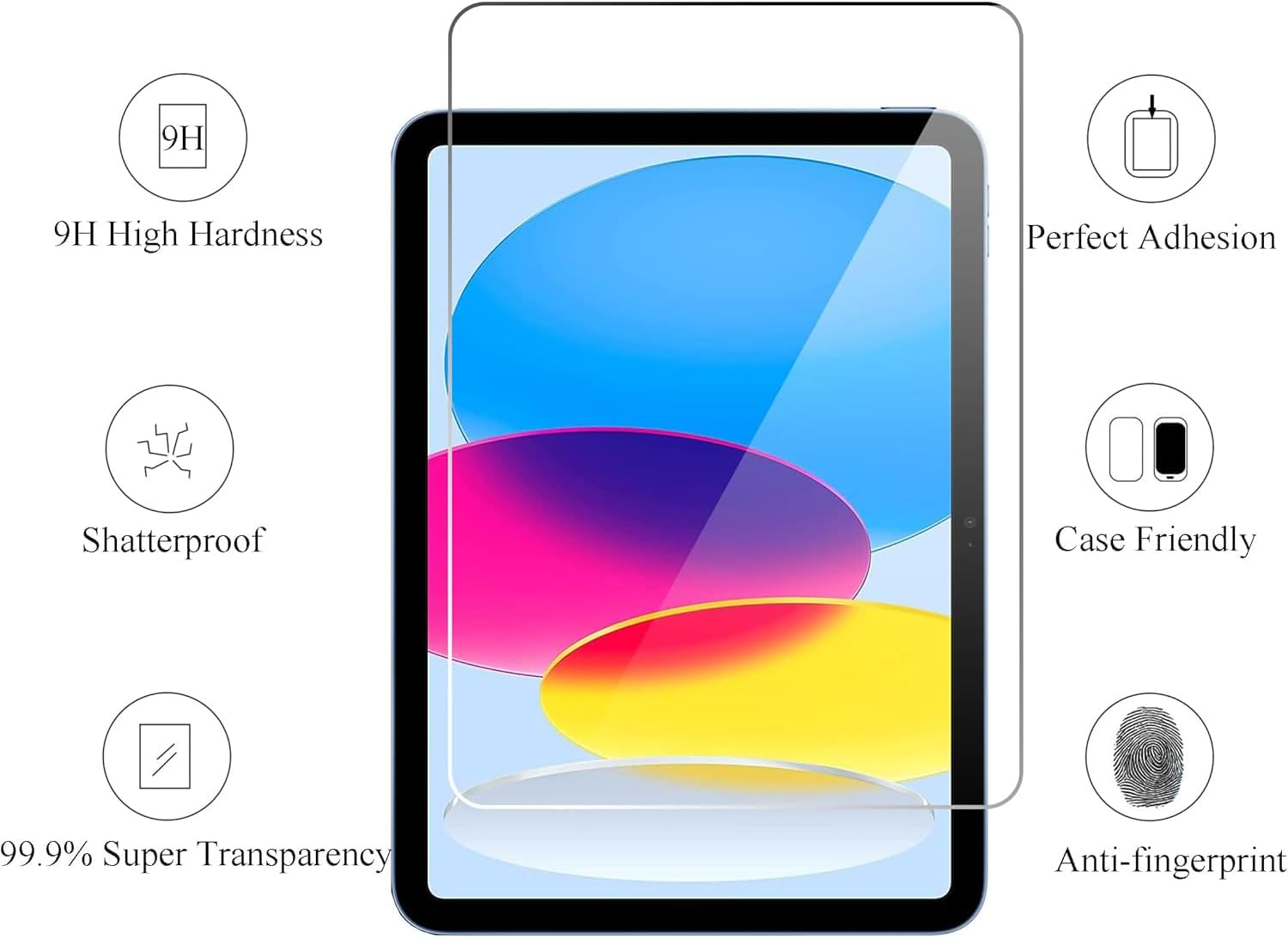
A screen protector is exactly what it sounds like: a thin layer — either flexible plastic film or rigid tempered glass — applied directly to a tablet’s display to absorb scratches, reduce glare, and cushion minor drops before the damage reaches the actual screen underneath. That simple description hides a surprisingly complicated buying decision. The wrong protector on an Apple Pencil-equipped iPad, for example, will deaden stylus sensitivity so badly that drawing feels like writing through a tablecloth. The wrong one on a Galaxy Tab S10 Ultra will interfere with the S Pen’s digitizer (the sensor layer that tracks the pen’s position). And on an Amazon Fire HD in a child’s backpack, any protector that bubbles or peels within a month is worse than no protector at all. This guide cuts through the noise: here are the protectors worth buying for each major device category, the ones to skip, and the math that makes the decision obvious.
Why “Just Get Any Tempered Glass” Is the Wrong Rule
The tempered glass default is understandable. Glass protectors feel premium, they’re easier to clean than soft film, and they absorb impact better than a thin plastic sheet. For a basic Android tablet or an entry-level Fire HD used for streaming, that advice is essentially correct. But it breaks down fast once stylus input enters the picture.
The core issue is surface texture and thickness. Standard tempered glass sits roughly 0.3–0.4 mm above the display’s actual surface. On a capacitive stylus — the kind Apple Pencil and Samsung S Pen use — that air gap and added thickness can introduce what reviewers on TechRadar’s 2025 screen protector roundup describe as a “parallax offset”: the cursor or ink stroke appears slightly to the side of where the tip is actually touching. On a drawing workflow, even a 1–2 mm offset is enough to break muscle memory and make fine linework unpredictable.
There’s also the oleophobic coating question. Most high-end tablets — iPad Pro, Galaxy Tab S10 Ultra, iPad Air M2 — ship with a factory oleophobic (oil-repelling) coating that makes fingerprints easier to wipe off. Most budget glass protectors replace this with an inferior coating that degrades within weeks, leaving the screen looking worse than bare glass would.
By the numbers — what you’re actually comparing:
| Protector type | Thickness | Stylus impact | Durability | Avg. price range |
|---|---|---|---|---|
| PET film (soft plastic) | 0.1–0.15 mm | Minimal offset | Low scratch resistance | $8–$18 |
| Tempered glass (standard) | 0.3–0.4 mm | Moderate offset on stylus | High scratch + impact | $12–$35 |
| ”Paper-feel” matte film | 0.15–0.2 mm | Near-zero offset, adds texture | Moderate | $20–$45 |
| Anti-glare tempered glass | 0.3–0.4 mm | Moderate offset | High | $18–$40 |
The paper-feel category deserves special attention. These are textured matte films — brands like Paperlike (for iPad) and ESR’s equivalent for Galaxy Tab — designed specifically for stylus workflows. The texture mimics the drag of paper on a pencil nib, which artists almost universally prefer over the frictionless feel of bare glass. 9to5Mac’s roundup of paper-feel protectors notes that the tradeoff is measurable display sharpness loss — roughly 10–15% reduction in perceived clarity — which matters if you also use the tablet heavily for video or photo editing. That’s the core if/then for drawing-focused buyers: if stylus feel is your priority, accept the sharpness hit; if you split time evenly between drawing and media consumption, a standard anti-glare glass is the better compromise.
iPad: The Compatibility Matrix Actually Matters Here
iPad screen protectors are where the stakes are highest, because the Apple Pencil ecosystem is both the most capable and the most sensitive to interference. Creative Bloq’s overview of iPad Pro drawing workflows notes that the majority of stylus-related complaints in user forums trace back to third-party screen protectors, not the Pencil itself.
For iPad Pro M4 (11-inch and 13-inch) and iPad Air M2: These are the devices where getting this right matters most. The display on the M4 iPad Pro uses an Ultra Retina XDR OLED panel — applying a budget tempered glass with poor optical clarity on a display this precise is genuinely wasteful. For drawing workflows, the consensus across Wirecutter’s iPad screen protector guide and TechRadar’s 2025 roundup converges on Paperlike 2.1 as the practitioner default. It’s thin enough to avoid meaningful parallax, the texture improves Pencil control noticeably, and it’s designed to work with Apple Pencil Pro’s hover detection feature (which senses the Pencil before it touches the surface — thicker glass can suppress this). The cost is approximately $39–$45 for a two-pack, which over 18–24 months of daily use is essentially a rounding error on a $999–$1,999 device.
For users who don’t draw but want glare reduction — architects viewing CAD files outdoors, students in bright lecture halls — a standard anti-glare tempered glass from a brand with a verifiable oleophobic coating (ESR and Spigen both publish coating specs) is a reasonable $18–$25 spend.
What to skip on iPad Pro: Any unbranded glass protector under $12 from a generic storefront listing. PCMag’s broader screen protector coverage consistently flags these for two failure modes: adhesive that weakens in 60–90 days (causing edge-lift bubbles) and coatings that leave permanent haze after the first cleaning with anything slightly abrasive.
For iPad (10th gen, ~$449) and iPad mini (7th gen): The 10th-gen iPad uses a standard LCD display and supports Apple Pencil (USB-C) — the lower-cost Pencil that lacks pressure sensitivity but handles basic annotation and note-taking well. Here, a mid-tier tempered glass from Spigen or ESR ($15–$22) does the job cleanly. The display isn’t sensitive enough to reveal the optical difference between budget and premium glass, and the use case (notes, reading, media) doesn’t demand paper texture. Save the Paperlike budget for the Pro.
Samsung Galaxy Tab S10 Ultra and S9 FE: S Pen Sensitivity Is the Variable
Samsung’s S Pen is a Wacom-licensed EMR (electromagnetic resonance) stylus — it doesn’t use the tablet’s battery or Bluetooth, drawing power from the screen’s digitizer field instead. This matters for screen protectors because EMR digitizers are more sensitive to interference from thick overlays than capacitive systems.
Android Authority’s screen protector coverage for Samsung Galaxy tablets flags a consistent pattern in long-term owner reviews: standard tempered glass thicker than 0.33 mm measurably increases the input lag felt during fast brushstrokes in Samsung Notes or Clip Studio Paint. The recommendation that emerges from aggregated reviews for the Tab S10 Ultra is to stay at or below 0.3 mm glass — ESR’s ArmorLock line for Galaxy Tab, which publishes its 0.3 mm thickness spec, is the most commonly cited solution in practitioner-level discussions.
For the Galaxy Tab S9 FE at the ~$449 price point: this is a more casual device in the Galaxy Tab lineup, and the S Pen is included but most users in this tier are students or light media consumers rather than illustrators. A standard 0.33 mm tempered glass with rounded edges (Spigen’s GLAStR line fits this profile) is appropriate, and at $14–$20 it’s the right call. Don’t over-engineer a screen protector decision for a device at this price tier.
The one skip worth naming explicitly for Galaxy Tab: Anything marketed as a “privacy screen protector” (these use a micro-louver filter that blacks out the display from side angles). They carry significant brightness penalties — typically 30–40% reduction per TechRadar’s measurements — and they destroy the S Pen experience by adding significant overlay thickness. The market for these on tablets is niche; they’re designed for airplane use and corporate confidentiality, not everyday creative work.
Amazon Fire HD 10 and Fire HD 8: Durability Over Everything
The calculus here is different from the premium tier, and it’s worth saying plainly: a screen protector on a Fire HD is almost always about surviving contact with children, backpacks, and hard floors — not about preserving stylus performance. Amazon’s Fire tablets don’t support active styluses (they work with basic capacitive rubber-tip styluses only), so the stylus interference issues that dominate the iPad and Galaxy Tab discussion simply don’t apply.
For Fire HD 10: A standard tempered glass in the $10–$16 range from a brand with publicly documented 9H hardness rating (the standard measure of scratch resistance — 9H means it won’t be scratched by anything softer than a sapphire, which includes keys, coins, and most common sharp objects) is entirely sufficient. Supershieldz and MoKo both produce Fire HD-specific fits in this range that Android Authority’s Fire tablet accessory coverage notes fit cleanly without blocking the front-facing camera or speaker cutouts.
What to skip on Fire HD: privacy protectors (same brightness issue as Galaxy Tab, worse on a lower-nit display), “self-healing” hydrogel films (they work in theory but in practice leave a soft surface that still scratches from grit and shows scuffs faster than glass), and any protector without a device-specific cut — generic rectangular films that require trimming always leave exposed edges.
The Decision Rule
Here’s where this lands, cleanly:
- If you draw or take handwritten notes with Apple Pencil on an iPad Pro or Air: Paperlike 2.1 or equivalent paper-feel film. Accept the clarity tradeoff. The stylus improvement is real; the sharpness loss is minor at arm’s length.
- If you use an iPad primarily for media, reading, or casual annotation: Anti-glare tempered glass from Spigen or ESR, $15–$22, done.
- If you own a Galaxy Tab S10 Ultra and use the S Pen seriously: Stay at or below 0.3 mm glass, published spec required — ESR ArmorLock is the documented safe choice.
- If you own a Galaxy Tab S9 FE or below: Standard 0.33 mm tempered glass with rounded edges. Spigen GLAStR fits the device and the budget.
- If the device is a Fire HD going into a child’s hands: Any 9H tempered glass with a device-specific fit. Spend $12 and stop thinking about it.
The one universal skip: unbranded generic glass with no published specs, no device-specific fit, and no coating information. On a $999+ device, that’s a false economy. On a $100 Fire HD, it’s still a wasted $8 that peels off in two months. Neither outcome is worth it.