A keyboard folio is a case that wraps around your iPad and includes a built-in physical keyboard — think of it as turning your tablet into a slim laptop stand-in. The “folio” part just means it folds open like a book, with the keyboard typically magnetically attaching or snapping in place. If you’ve been getting by on the on-screen keyboard and wincing through long emails or notes, a keyboard folio is the single upgrade that changes how much work your iPad can actually absorb. The problem is that the price range is genuinely absurd: you can spend $16 on a no-name Bluetooth keyboard sleeve from an overseas seller, or you can spend $334 on Apple’s own Magic Keyboard Folio — and neither of those numbers is a typo. This guide walks every meaningful tier on that ladder, names the real tradeoffs at each, and tells you exactly which rung is worth standing on based on what you’re actually doing.
Why the Price Gap Is So Wide (and What It Actually Buys You)
Before running down the tiers, it helps to understand the four variables that drive keyboard folio pricing. Once you know what moves the needle, every price point becomes a deliberate choice rather than a gamble.
1. Connection method. Budget folios connect via Bluetooth, which requires pairing, battery management, and introduces occasional lag. Mid-range and premium folios from brands like Logitech use Bluetooth with dedicated USB-C charging. Apple’s own Magic Keyboard line for the iPad Pro uses the Smart Connector — a direct magnetic data/power connection on the iPad’s side that eliminates pairing entirely and draws power from the iPad itself. No batteries, no pairing, instant response. Reviewers at The Verge consistently flag the Smart Connector experience as the single clearest argument for spending up.
2. Key travel and layout quality. Cheap folios compress key travel to roughly 0.8–1.0mm. Owners report acceptable casual typing but noticeable muscle fatigue on longer sessions. Logitech’s mid-range Combo Touch and Slim Folio Pro land around 1.2–1.5mm, which independent reviewer comparisons at PCMag describe as “laptop-grade” for this class. Apple’s Magic Keyboard Folio for the standard iPad (10th gen) and the Magic Keyboard for iPad Pro offer scissor-mechanism keys that reviewers at Ars Technica call competitive with entry-level MacBook typing feel.
3. Trackpad quality and size. Most sub-$80 folios ship with no trackpad at all, or a tiny gesture pad that reviewers routinely dismiss as unusable. The presence of a large, glass-surface trackpad is almost exclusively a $100+ feature. This matters because iPadOS (the operating system that powers iPads) has had strong cursor and trackpad support since version 13.4, and using a trackpad with the iPad dramatically reduces the need to reach up and touch the screen.
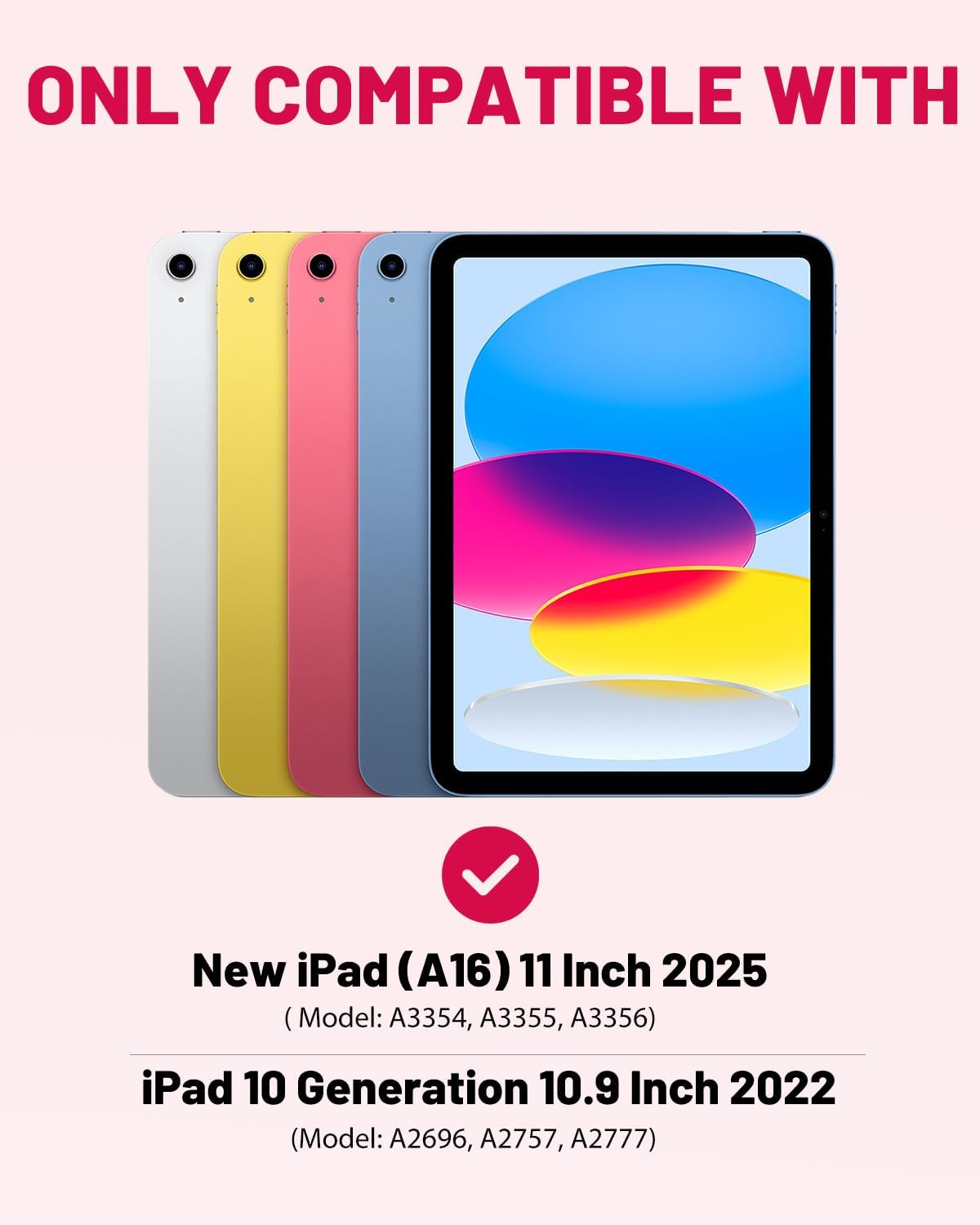
4. iPad model specificity. Generic folios are built for “iPad-shaped objects” and often fit loosely, block the Apple Pencil charging groove, or misalign the camera cutout. Model-specific folios — especially from Logitech and Apple — are engineered to the exact millimeter of a given iPad generation. That precision is part of what you pay for above $80.
The Price Ladder, Tier by Tier
Tier 1: $16–$40 — No-Name and Budget Bluetooth Folios
Who it’s for: First-time buyers, kids’ devices, travel spares, or anyone testing whether they’ll actually use a keyboard before committing.
At this price, you’re getting a Bluetooth folio with a built-in rechargeable battery (usually micro-USB, increasingly USB-C), a TPU or thin faux-leather shell, and a keyboard with abbreviated key travel. Wirecutter’s overview of iPad keyboard cases notes that sub-$50 folios generally pass light email and note-taking tests but struggle under sustained typing workloads.
The structural warning here is fit. Budget folios are almost always listed as compatible with multiple iPad generations simultaneously — “fits iPad 9th/10th gen” — which is a red flag. The 9th and 10th generation standard iPads have meaningfully different dimensions and camera bump profiles. A folio claiming to fit both fits neither perfectly.
What to watch for: Owners across aggregated reviews on PCMag and TechRadar consistently report that the hinge/stand mechanism on budget folios loosens after 3–6 months of daily open-and-close cycles. Fine for occasional use; a real frustration for daily drivers.
The honest verdict: Defensible for a kid’s homework iPad or a backup travel option. Not defensible as your primary work setup.
Tier 2: $50–$100 — Logitech Slim Folio and Mid-Range Branded Options
Who it’s for: Students, regular travelers, and everyday users who type 30–60+ minutes daily and need reliable Bluetooth with a quality key feel.
Logitech’s Slim Folio (for standard iPad models) is the most-cited name in this tier. It uses Bluetooth Smart, meaning it wakes instantly when you open the cover and the included battery (rated by Logitech at up to 4 years of typical use on a single charge) rarely requires active management. Key travel is spec’d at 2.0mm, and reviewers at TechRadar describe it as “one of the few under-$100 folios that doesn’t feel like a compromise mid-sentence.”
The Slim Folio lacks a trackpad — that’s the defining sacrifice at this tier. You’re still reaching up to navigate, which is fine for content consumption but friction-heavy for document editing.
By the numbers:
- Logitech Slim Folio battery life: rated ~4 years (2-hour/day typical use per Logitech spec sheet)
- Key travel: ~2.0mm (Logitech published specs)
- Trackpad: No
- iPad model-specific fit: Yes (sold separately by iPad generation)
The honest verdict: The right buy for most students and casual work users. If you type in bursts rather than marathon sessions, this tier handles 90% of use cases at a fraction of the premium tier’s cost.
Tier 3: $100–$180 — Logitech Combo Touch and Slim Folio Pro
Who it’s for: The practitioner tier. Students in professional programs, creatives who use their iPad as a secondary work machine, and anyone who’s already realized they need a trackpad.
The Logitech Combo Touch is where the keyboard folio category gets genuinely useful for serious work. It connects via the Smart Connector on iPad Pro and iPad Air models (no Bluetooth pairing, no battery to manage), includes a large trackpad, and ships with a detachable keyboard module — meaning you can remove the keyboard and use the iPad as a standalone tablet for drawing or reading without the keyboard in the way.
Reviewers at 9to5Mac consistently describe the Combo Touch as “the folio Logitech should have made years ago” and cite the detachable format as a legitimate workflow advantage for Apple Pencil users who switch between typing and drawing modes. The trackpad is glass-surface and gesture-capable across iPadOS’s full trackpad feature set.
The tradeoff at this tier: the Combo Touch adds bulk. Measured against the Magic Keyboard, it’s thicker and heavier — a real consideration if you’re commuting with an 11-inch iPad in a shoulder bag.
The honest verdict: If you own an iPad Air or iPad Pro and do real work on it — meaning you’re in apps like Notability, Affinity Publisher, or even just Google Docs for hours — the Combo Touch is where the price/capability curve peaks before Apple’s own accessories take over.
Tier 4: $249–$334 — Apple Magic Keyboard Folio and Magic Keyboard for iPad Pro
Who it’s for: iPad Pro users who want the closest thing to a MacBook-in-a-case, professionals using their iPad as a true laptop replacement, and anyone for whom friction — lag, pairing failures, battery anxiety — has a real productivity cost.
Apple makes two distinct products here that are frequently confused:
Magic Keyboard Folio (~$249): Designed for the standard iPad 10th generation only. Uses Bluetooth (not Smart Connector — the 10th gen standard iPad lacks one). Includes a full trackpad, function row, and a detachable keyboard with a full folio case. Reviewers at The Verge call it “the best keyboard Apple has made for a non-Pro iPad” while noting the Bluetooth requirement is a philosophical mismatch with the product’s premium price.
Magic Keyboard for iPad Pro / iPad Air (~$299–$334, depending on size): Designed for iPad Pro M4 and iPad Air M2/M3 with Smart Connector. No Bluetooth, no batteries — power and data flow entirely through the magnetic connection. The 2024+ version adds an aluminum top case and a function row, addressing the two most-criticized omissions from the previous generation. Ars Technica’s iPad Pro M4 review describes the updated Magic Keyboard as “finally feeling like it belongs in the same price conversation as a MacBook accessory.”
The Magic Keyboard for iPad Pro does not include a full folio back — the iPad’s rear remains exposed. That’s a deliberate design choice (thinness, weight) that some users solve with a separate slim case, and others find frustrating at the price.
The honest verdict: At $299–$334, you’re not paying for a keyboard. You’re paying for the absence of friction — Smart Connector pairing, iPad-battery power draw, Apple-native key feel, and the trackpad that iPadOS was increasingly optimized around. For a professional using an iPad Pro M4 as their primary portable machine, that friction elimination has genuine compounding value across a workday. For a student on a budget iPad, it’s impossible to justify.
The Decision Framework: If X, Then Y
Here’s how to shortcut the deliberation:
If your iPad is a standard iPad (9th gen or older): Stay at Tier 1 or Tier 2. The Logitech Slim Folio is the correct answer. Spending more on a Tier 4 product is impossible anyway — the Magic Keyboard Folio only fits the 10th gen.
If your iPad is an iPad (10th gen): The Magic Keyboard Folio ($249) is genuinely excellent but uses Bluetooth, which undermines the premium argument. The Logitech Slim Folio at $60–$70 handles most use cases. Upgrade to the Magic Keyboard Folio only if trackpad use and Apple’s key feel are non-negotiable.
If your iPad is an iPad Air (M1/M2/M3) and you type daily: The Logitech Combo Touch at $150–$160 hits the sweet spot. Consider the Magic Keyboard at $299 only if you’re already treating the iPad Air as your primary laptop and the Smart Connector experience matters to you.
If your iPad is an iPad Pro M4 and you work on it seriously: The Magic Keyboard for iPad Pro is the correct buy. The price is high; the tradeoff of not buying it — persistent Bluetooth friction, smaller trackpad, inferior key feel — compounds across every working day. Wirecutter’s updated keyboard case guide endorses this tier for Pro users explicitly.
If your budget is hard-capped at $50: Buy a Logitech Slim Folio for your model and don’t second-guess it. It will handle what you need, and the $200+ you didn’t spend is better directed elsewhere.
The price ladder on iPad keyboard folios is genuinely rational once you understand what each tier actually buys. The jump from $60 to $160 buys you a trackpad and Smart Connector reliability. The jump from $160 to $330 buys you friction elimination and Apple-native feel. Whether either upgrade is worth it depends entirely on how much you use the keyboard — and how much your time costs.